Introducing Linux Lite. The free operating system. Connect with people online.
Selected by Galigio via Computer Borders

Introducing Linux Lite. The free operating system. Connect with people online.
Selected by Galigio via Computer Borders

Are you looking for the safest version of Linux? The best for your tasks?
Ask yourself why do you seek a Linux operating system with high performance in terms of security and test one of those Linux OS proposed in the link above.
I think they are the best Linux distributions today …. or does anyone have any better suggestion? If so, please write a comment below! Thank you.
Optimizing Linux for Slow Computers by Jenny List (and AkitaOnRails) via 

It’s the perfect nightmare and everyone do all his best to avoid it but sooner or later it happens.
Loosing data from a hard disk or a USB device is more common than you can image and everyone has experienced it!
Windows has different commercial solutions available to recover data and partitions but, if you use Linux, you need something different.
The best solution I found for Linux is an old but current article by Lifehacker.au that I strongly recommend if you are experiencing this kind of problems and want to solve them.
“…Gmail: When you sign up for any online service, you usually need to add an email address. If you usually use a Gmail account, Deseat.me can scour your email to find everything you signed up for and offer you ways to delete your account…”


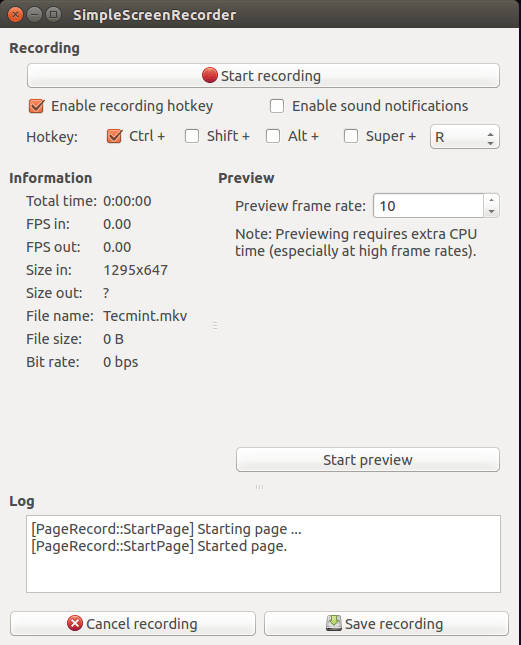
“My question: what apps do you use to record/stream your desktop while using your camera to insert your face live on the bottom right of your screen?”

“If your computer having problems or lags while using Windows operating systems, you’ll discover some fast and lightweight OS in this article. There is another post where we discussed best alternative operating systems that are not specifically for old PC’s”
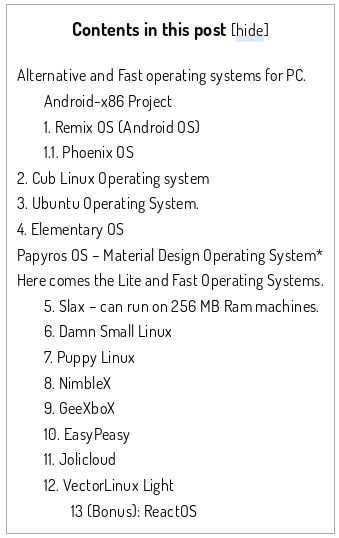

Courtesy of nixpal.com
When you want to check if you have a 32-bit or a 64-bit Linux you can open a Terminal and just type:
file /sbin/initor
archIf you prefer to know how much about the RAM you installed on the PC, type:
free -m
or
grep MemTotal /proc/meminfo
for more detailed info you can try:
cat /proc/meminfoor
grep MemTotal /proc/meminfo
if you prefer to monitor your RAM in real time.
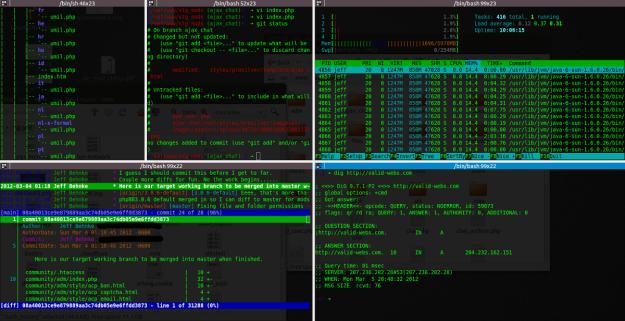
Courtesy of validwebs.com


 5 commands to check memory usage on Linux
 Computer Borders