10 Free Tools for Creating Infographics
“Don’t have hours to spare crafting something beautiful in Photoshop? We (They) select tools that won’t cost you a penny…”


“Don’t have hours to spare crafting something beautiful in Photoshop? We (They) select tools that won’t cost you a penny…”

“…Just as “the cloud” was becoming the answer to every “How does it work?” question, smartphones have started clawing back their independence, performing on their own tasks that used to require a tether to a server farm. The result is a more natural AI experience, without the annoying or creepy lag of an internet connection to a data center…
…AI will also drive convenience features. You might see virtual assistants that use the phone’s camera to recognize where you are, such as a specific street or the inside of a restaurant, and bring up relevant apps, says Rizzoli. And for once, such hyper-conveniences may not have the creep factor. If future AI doesn’t need the cloud, then the cloud doesn’t need your personal data…
…As artificial intelligence continues expanding across the tech world, it seems destined to grow on phones, too. Expectations are rising that gadgets will simply know what we want and what we mean…”
“…As technology moves from the realm of the visible to the invisible; embedded, pervasive computing that adds intelligence to even the most mundane objects and experiences — there will be an inevitable, ongoing conversation about the consequences, unintended or otherwise… The books on this list run the gamut, from unabashed enthusiasm for our coming robot overlords, to heartfelt expressions of anxiety about whether what we’re giving up is worth what we’re getting in return…”

Do you use a VPN to connect to Internet and increase your privacy? If you are one of the many you would be sure that the VPN you are paying is really working properly.
You can always use, via browser, one of those dedicated websites that check your Ip and, in some cases, test the real effectiveness of VPN and/or use Terminal.
But, for my experience, if you prefer to test your public IP without using the Terminal, the best tutorial for this specific task has been published by http://www.tecadmin.net.
Get Public IP using Linux Terminal
Recommended!… if you are looking for an extra test that you can manage directly from Terminal.

Courtesy of Global News and Tech in Asia

Courtesy of Global News and Tech in Asia

Courtesy of nixpal.com
When you want to check if you have a 32-bit or a 64-bit Linux you can open a Terminal and just type:
file /sbin/initor
archIf you prefer to know how much about the RAM you installed on the PC, type:
free -m
or
grep MemTotal /proc/meminfo
for more detailed info you can try:
cat /proc/meminfoor
grep MemTotal /proc/meminfo
if you prefer to monitor your RAM in real time.
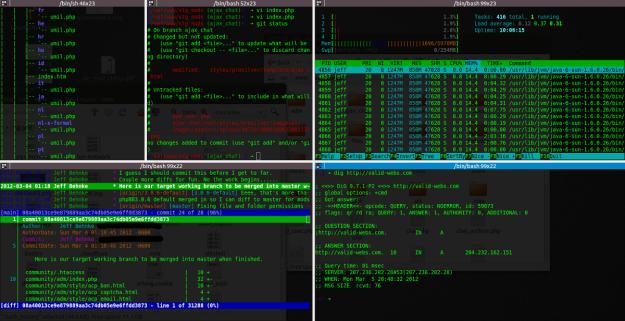
Courtesy of validwebs.com
 5 commands to check memory usage on Linux