Image from opencastingcall2013.com

Image from opencastingcall2013.com
Is Privacy a fundamental human right? Your personal answer to this question is the starting point to think about the current Internet legislation and to evaluate if the recent legal restrictions on civil rights could represent the “end of the Internet Dream.” A clear and motivated opinion about this issue is a strategic keypoint for all those people who, as me, operate everyday in one of the many Internet branches as consultants, lawyers, programmers, marketing experts, investors or, more often, as common users.
Dan Gillmor, via BACKCHANNEL, has recently underlined that a liberal legislation should not restrict end to end encryption, because it represents the best safeguards for tomorrow’s freedom. A standard use of fragile encryption, imposed by Law, will not only interfere with privacy, but will also heavily tamper with Internet global security.

Image by quotesgram.com
On the other hand, Dan Patterson, via TECHREPUBLIC, has reported two different conversations with UN reporters who affirmed that strong encryption allows privacy and privacy is the corner stone of truth, especially for reporters, because it helps to “validate the veracity of information.”
Consequently, to preserve our privacy in our daily living it would be useful to:
As Citizens, the real challenge we have for the next months is represented by the influence we will be able to exercise on new Laws that should find a legal equilibrium between anti-terrorism surveillance and the need of protecting citizen’s personal information allowing the use of VPN/HTTPS connections and Encrypted Storage.

Image by cibercity.biz
The upgrade from Fedora 22 to Fedora 23 is not automatic, as usual in my Fedora experience, but it is really simple to manage if you follow the path suggested by Unixmen.
There are few things you need:
– connect your laptop to the power plug (if you use a laptop);
– a couple of hours (something more or less depending on your CPU, RAM, Internet connection speed, etc..);
– few lines of commands on the Terminal

Image from https://fedoramagazine.org
The upgrading process is well structured and to start it you need to launch Terminal and upgrade the native Fedora Fedup with its new version that now is integrated into DNF:
dnf upgrade
Then you have to install the DNF plugin:
dnf install dnf-plugin-system-upgrade
and finally you can start the “core” part of the upgrade just typing:
dnf system-upgrade download –releasever=23 –allowerasing –best
Where:
– allowerasing will continue the upgrade also in presence of any “old” (not yet upgraded) third part repositories that normally would have completely stopped the main upgrading process
-best is a verbose mode in case of unsatisfied dependencies
After a while, depending on your Internet connection speed, you will be able to conclude the upgrade typing:
dnf system-upgrade reboot
Your laptop will reboot and the upgrade starts.
From now you spend more than 40 minutes waiting and answering to few easy questions that the OS asks you to solve some configuration matters.
The length of the waiting time depends obviously on the CPU, the RAM and the type of Hard Disk installed into your PC.
That’s it!

Image from redpill-linpro.com

Image by boingboing.net
The TPP global trade treaty is very bad news for information security. Here’s why
 TrueCrypt is safer than we thought! A specific audit tested TrueCrypt 7.1 unmantained through a complex verification process and the results are surprising.
First of all we have to consider that TrueCrypt is not mantained since 2014 and that its “natural” fork, VeraCrypt, is directly developed by Microsoft. For this simply reason many former TrueCrypt users prefer not to use VeraCrypt.
Secondly, the bugs revealed by the testers in TrueCrypt are less worrying than that discovered using its competitors solutions.
For this reason I decide to install TrueCrypt (that I use previously it was unmantained) on my Fedora 22 laptop.
To begin, I searched for a good repository and, at the end, I opted for that mantained by GRC. So I downloaded the TrueCrypt 7.1 archive from GRC that is still storing all the others TrueCrypt versions.
I decided to use the 7.1 version because it has more features than the last 7.2 version (the last known release of TrueCrypt). In any case I am monitoring the Swiss website and I wish that the CypherShed project will be completely developed soon.
After I extracted the file and moved it to a specific folder.
Last but not least I opened Terminal and typed:
sudo ./truecrypt-7.1a-setup-x64
and the software was correctly installed into my Fedora 22 OS.
After some tests I can adfirm that TrueCrypt is still a good security solution not only for the above mentioned audit but also because it is really stable, flexible, full of useful features and simple to use.
To sum up: Try it… again!
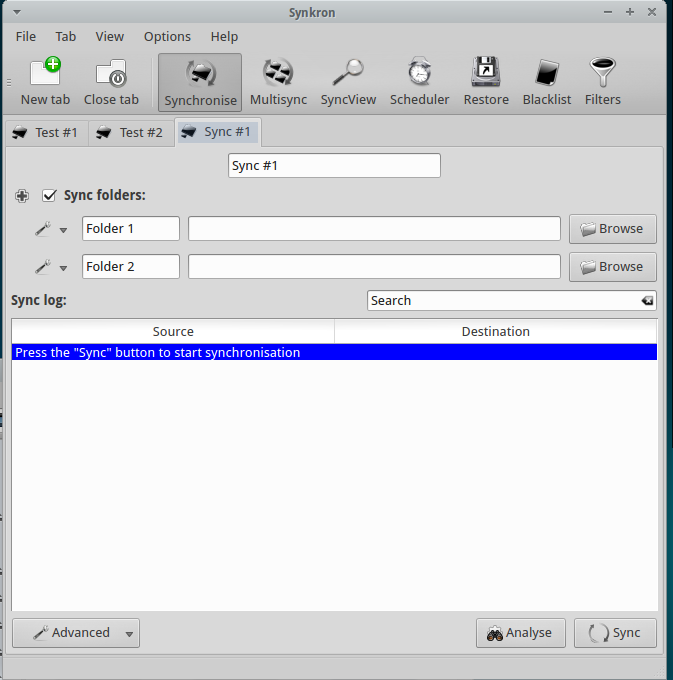
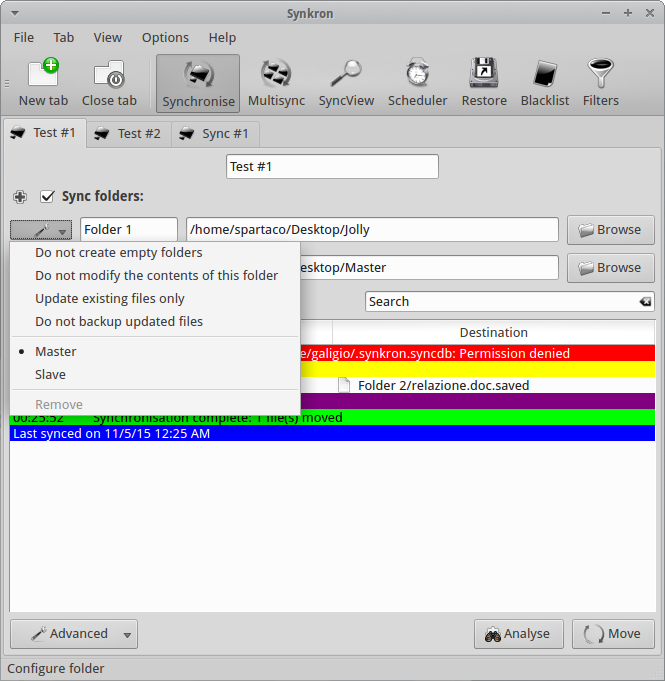
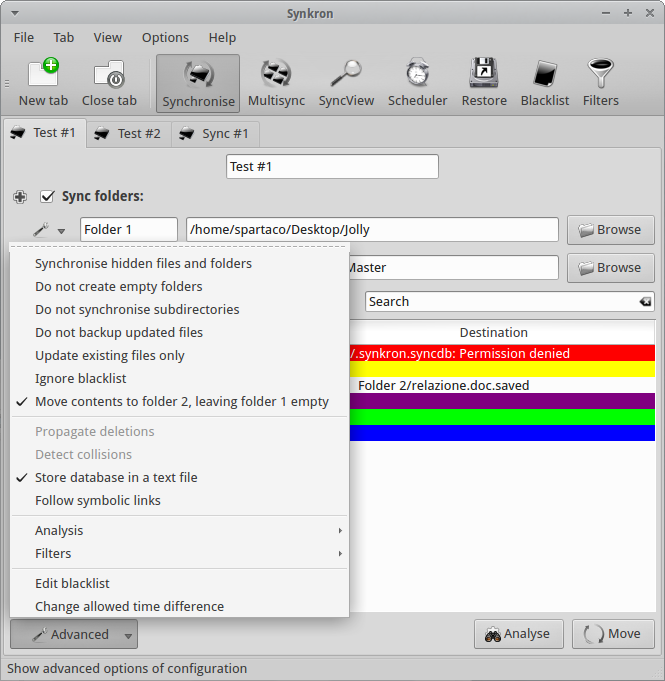
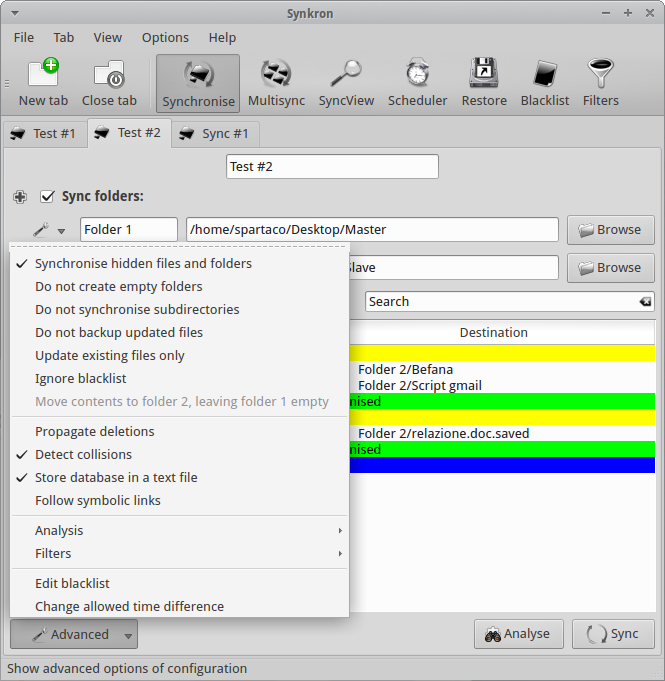
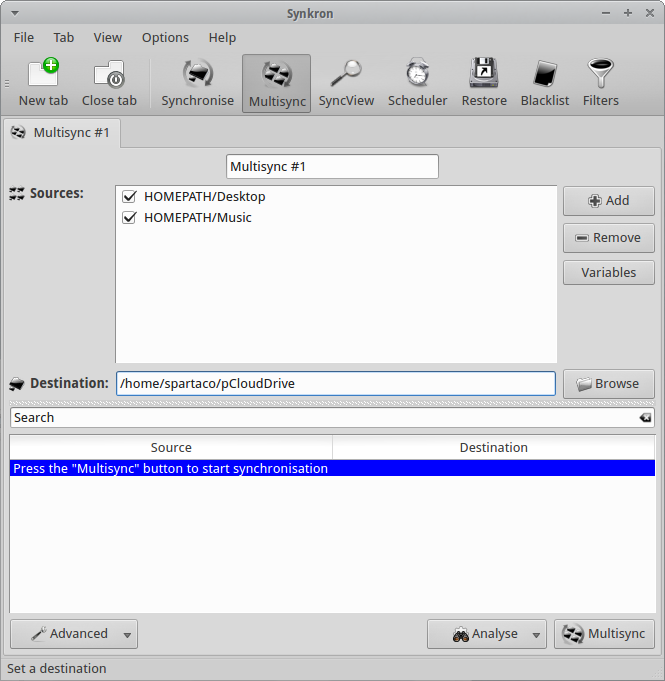
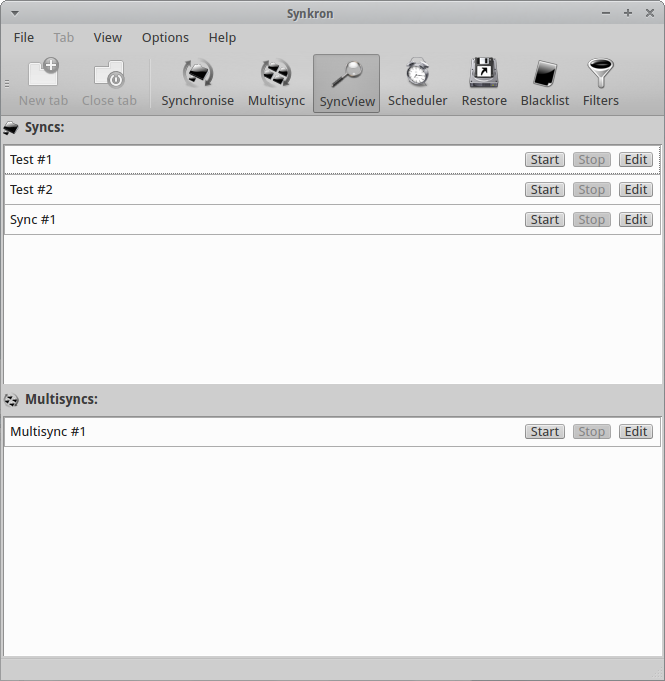
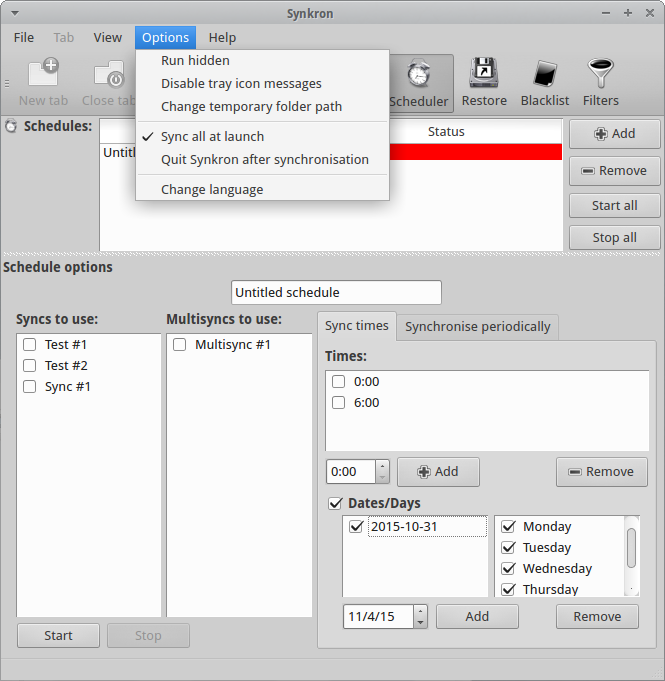
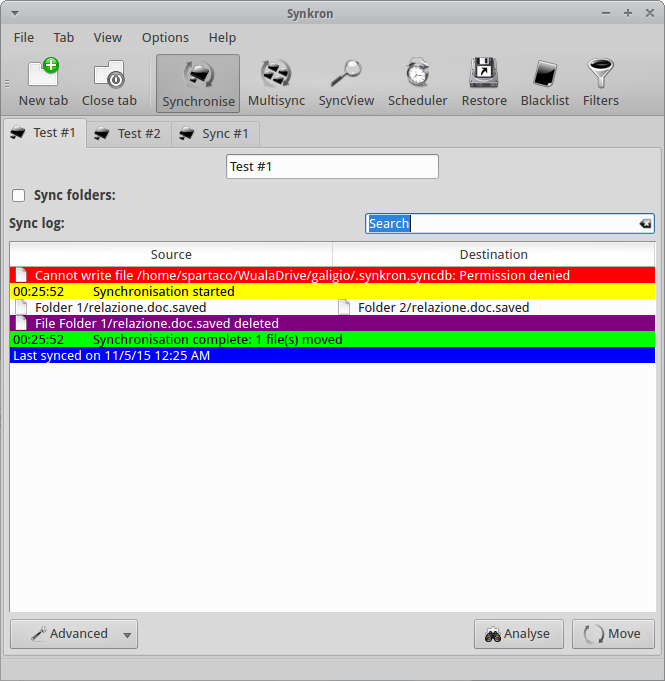
 Sometimes it is really easy, other times you waste your time. A good synchronization between files or folders is something you need everyday but it could become a nightmare if you miss something.