
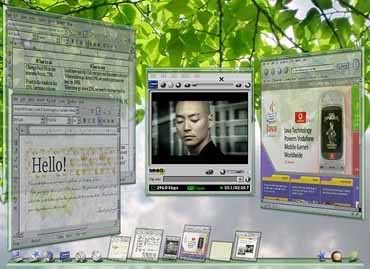
 If the graphics is all for you or if you are enthusiastic only for of 3D environments you must try LG3DLiveCD: the new Linux Live CD for advanced graphics lovers! Today, in our Linux Page, Frank has posted a brief but effective review about this new “looking glass” Linux distribution. LG3DLiveCD is a project hosted and developed by Java.net: the Sun Microsystem website for Java projects. The 3D effects are astonishing and this live CD represents a fantastic -computer graphics- experience also for beginners or for “just for a look” people. Try it and, please, let us know your comments! Thanks!
LG3DLiveCD: the new 3D frontier for Linux Live CDs
Leave a reply
 Super Grub is a very practical and useful free bootable cd which can be very useful when you need to solve boot problems in Linux, Windows and other OS Independent. In our Linux page, Frank wrote a descriptive post about the many features you can find (and effectively use) in this terrific bootable cd. Super Grub is very light (just 1.45 MB of cdrom .iso), supports seven different languages and can be downloaded also in its floppy disk version.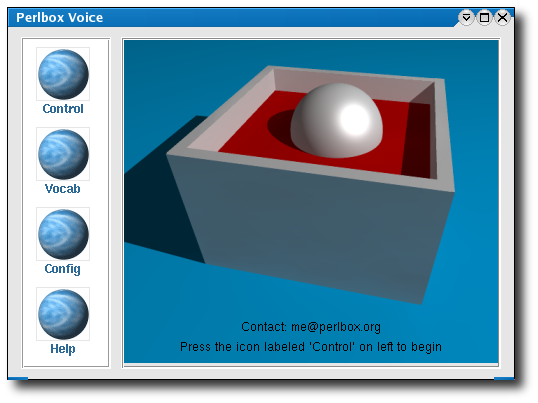
 Today, in our
 Frank has reviewed a bootable Linux CD called
  Computer Borders